Out and back.
Accounted for.
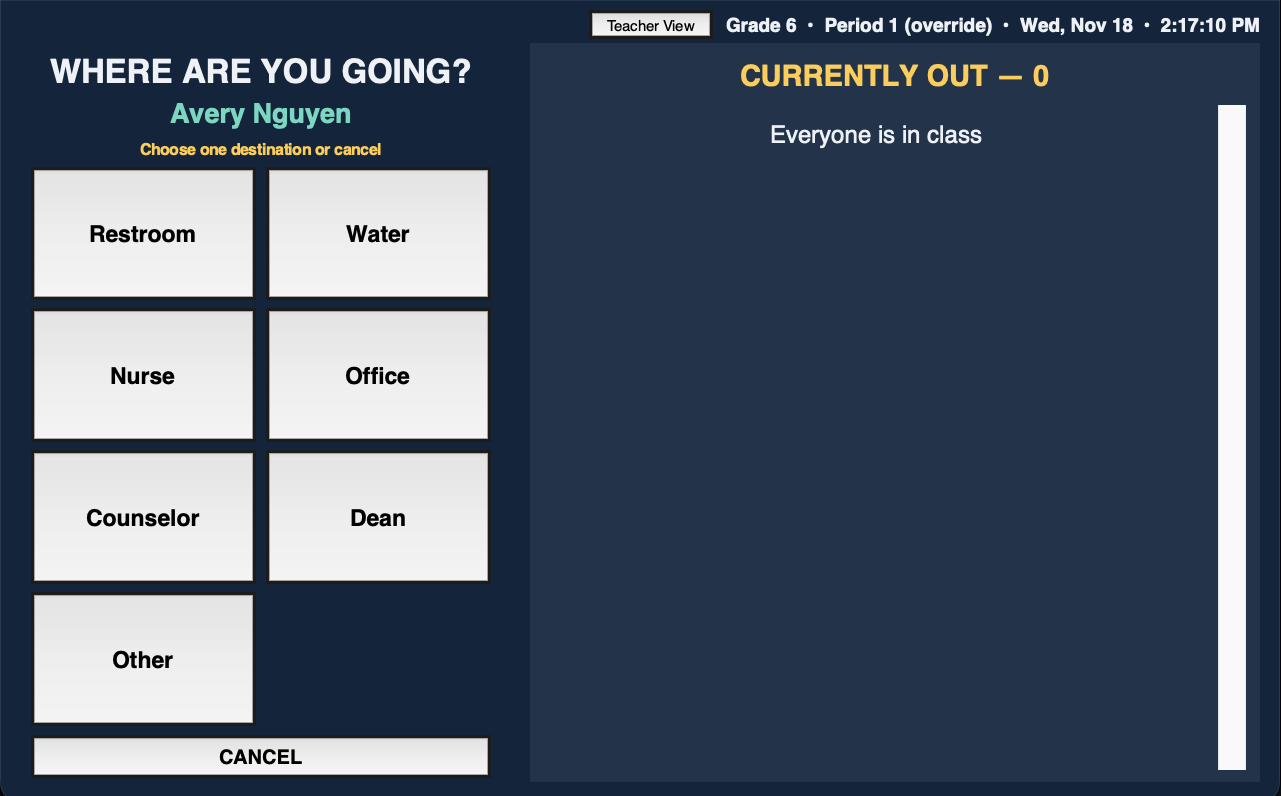
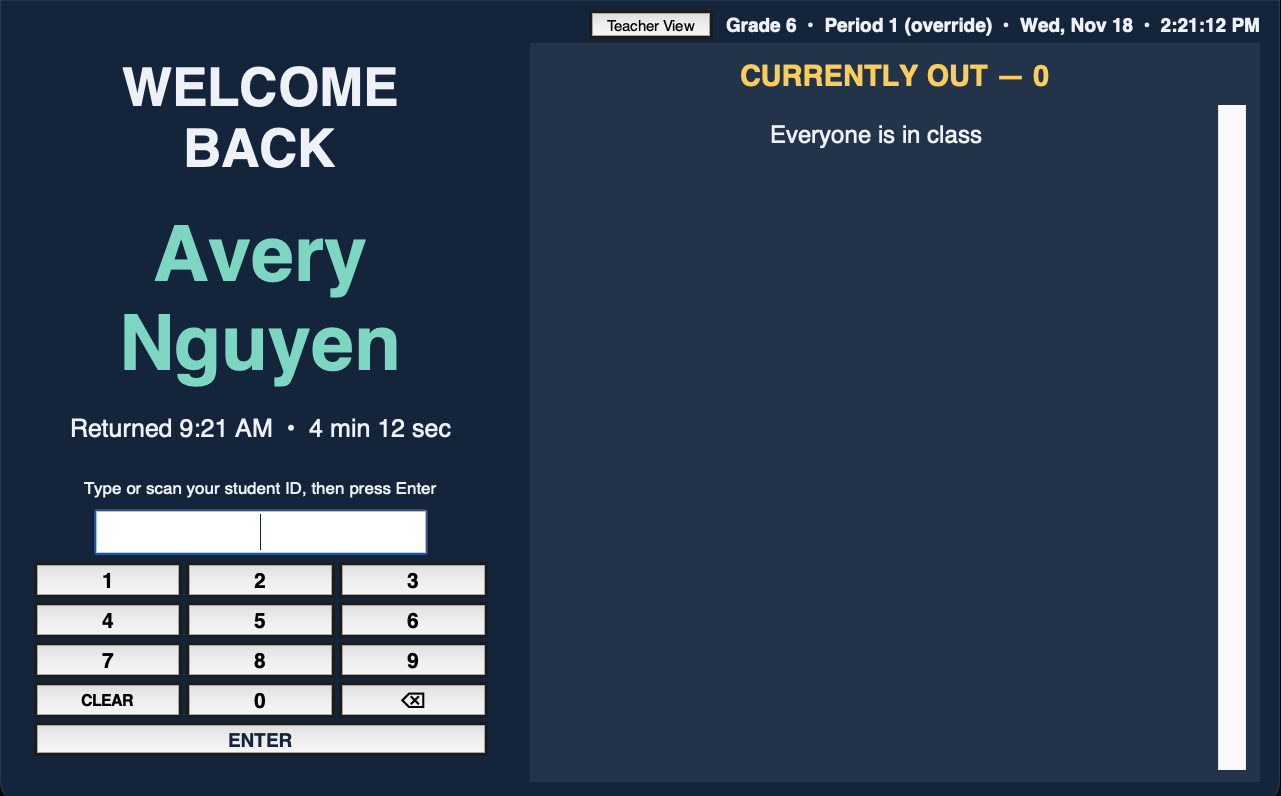
Students scan their barcode ID or use the on-screen keypad. Record a destination, see who’s out, and track the time until they return.
 Hallio
A classroom companion
Hall passes, attendance, and student history. Hallio keeps the small moving parts of your classroom in one simple, local kiosk.
Made for a touchscreen. Ready without school Wi-Fi.
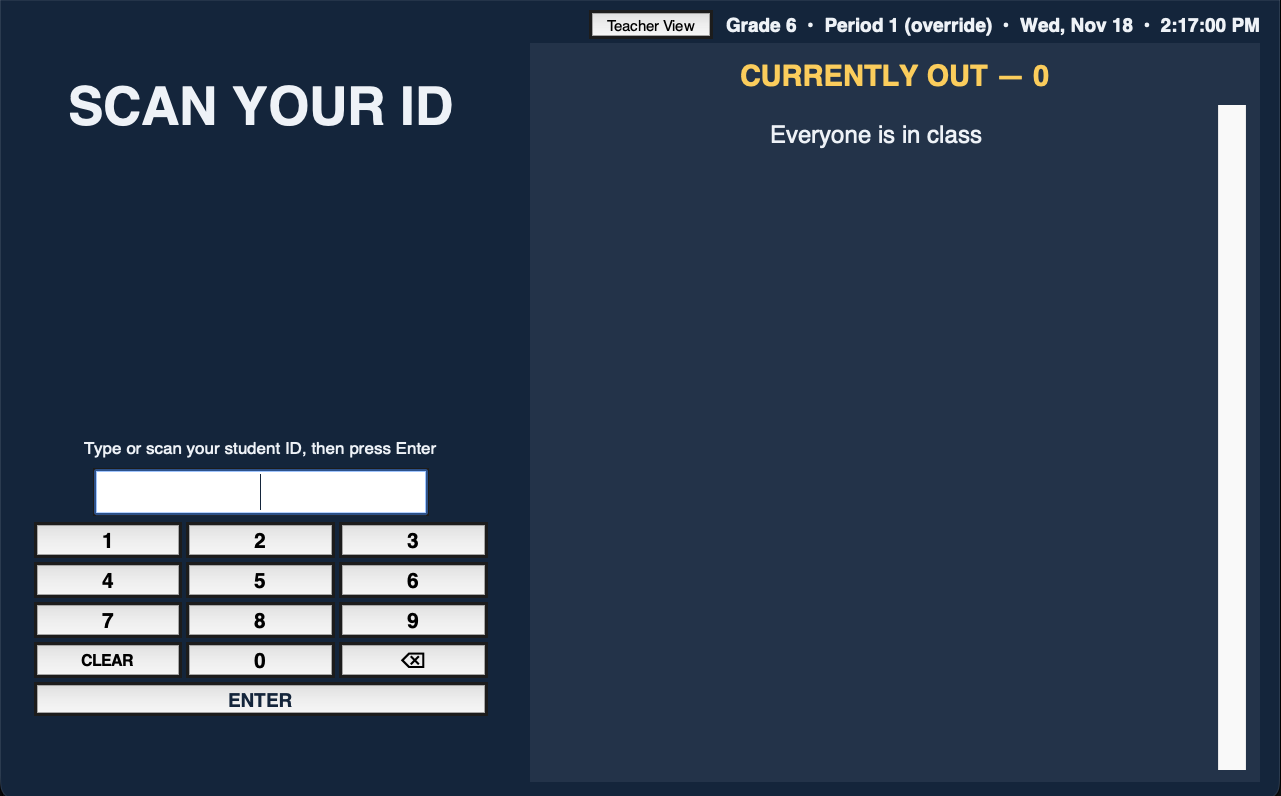
From the first attendance check to the last trip back, Hallio keeps a useful record without adding another cloud dashboard.
Students scan their barcode ID or use the on-screen keypad. Record a destination, see who’s out, and track the time until they return.
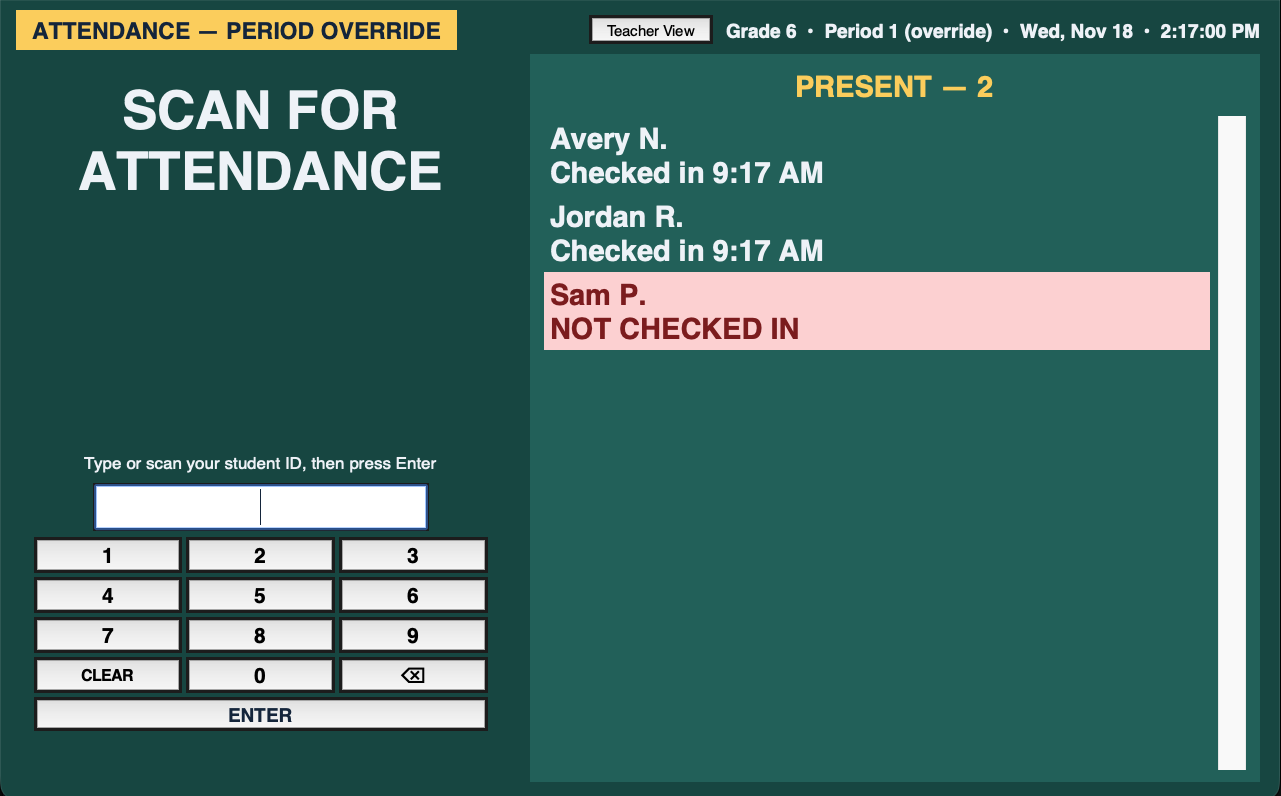
Open a check-in window around the bell. Review present, late, and not-checked-in students by period, with teacher corrections when needed.
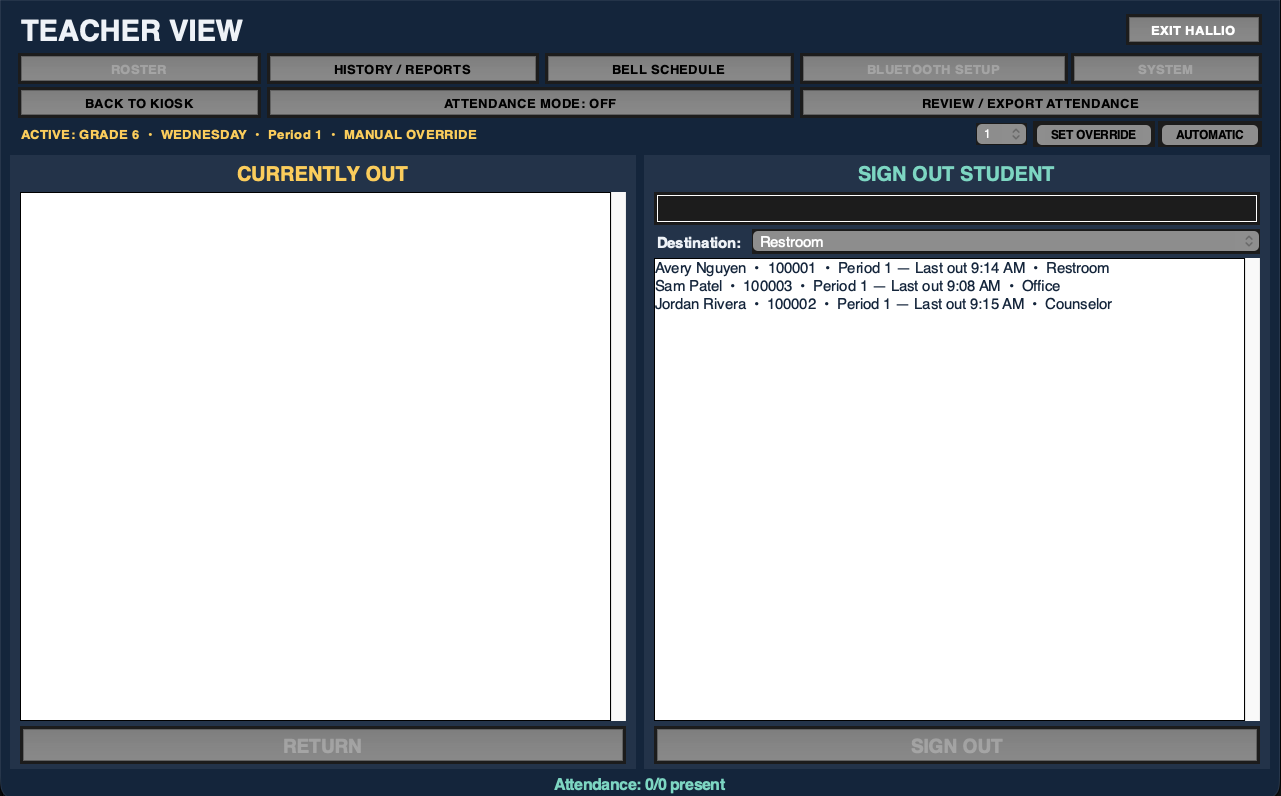
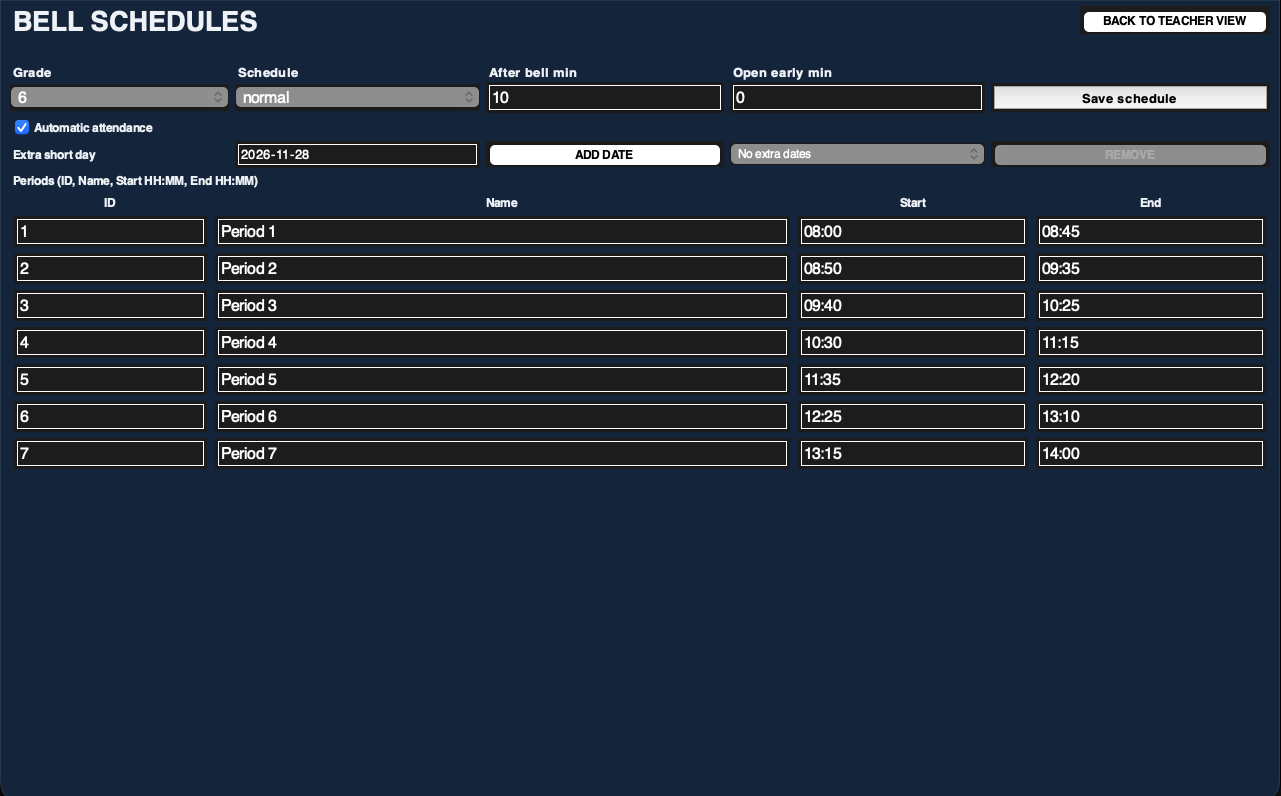
Manage rosters, bell schedules, and short days in Teacher View. Use an optional PIN, local backups, and signed updates installed from USB.
The history behind the hallway trips
Choose a student and select All dates to see their recorded out-of-classroom trips. Review destinations, departure and return times, and duration.
Export the filtered report as a CSV, or send it directly to your saved computer over Bluetooth.
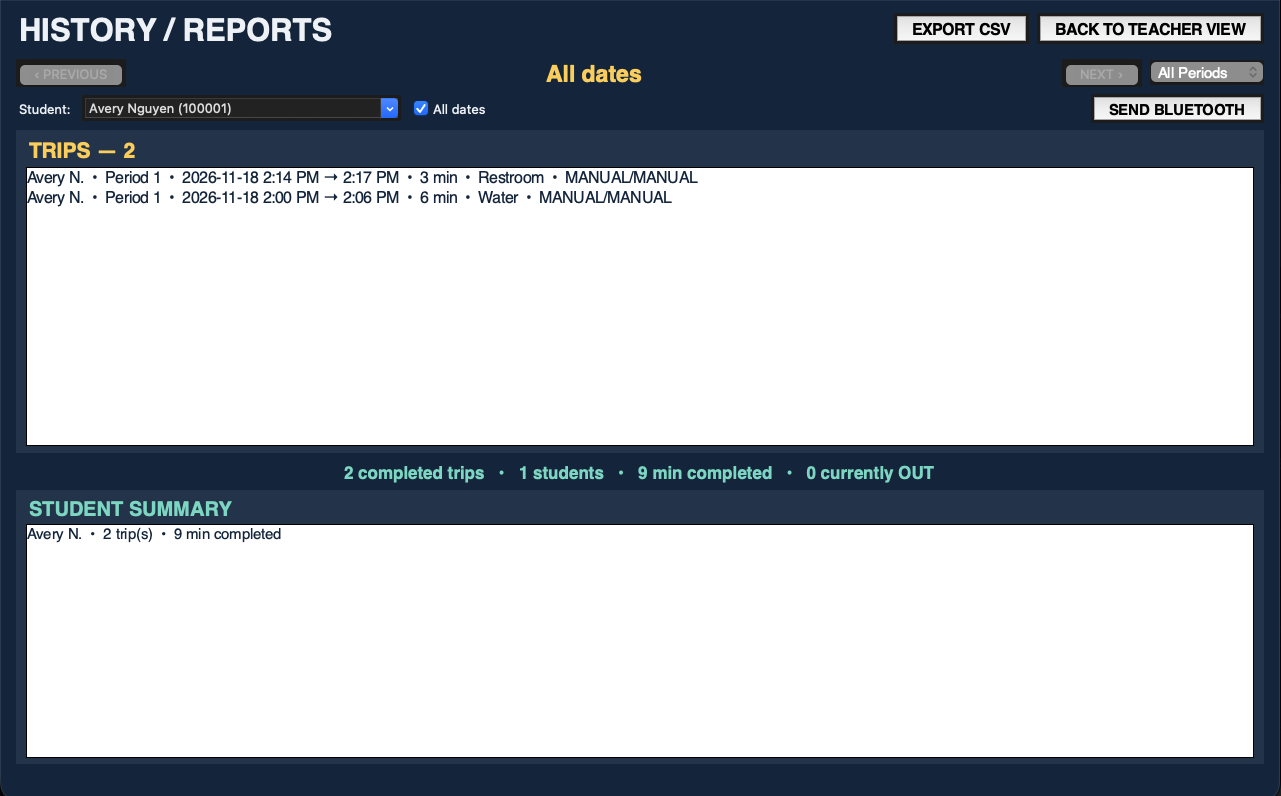
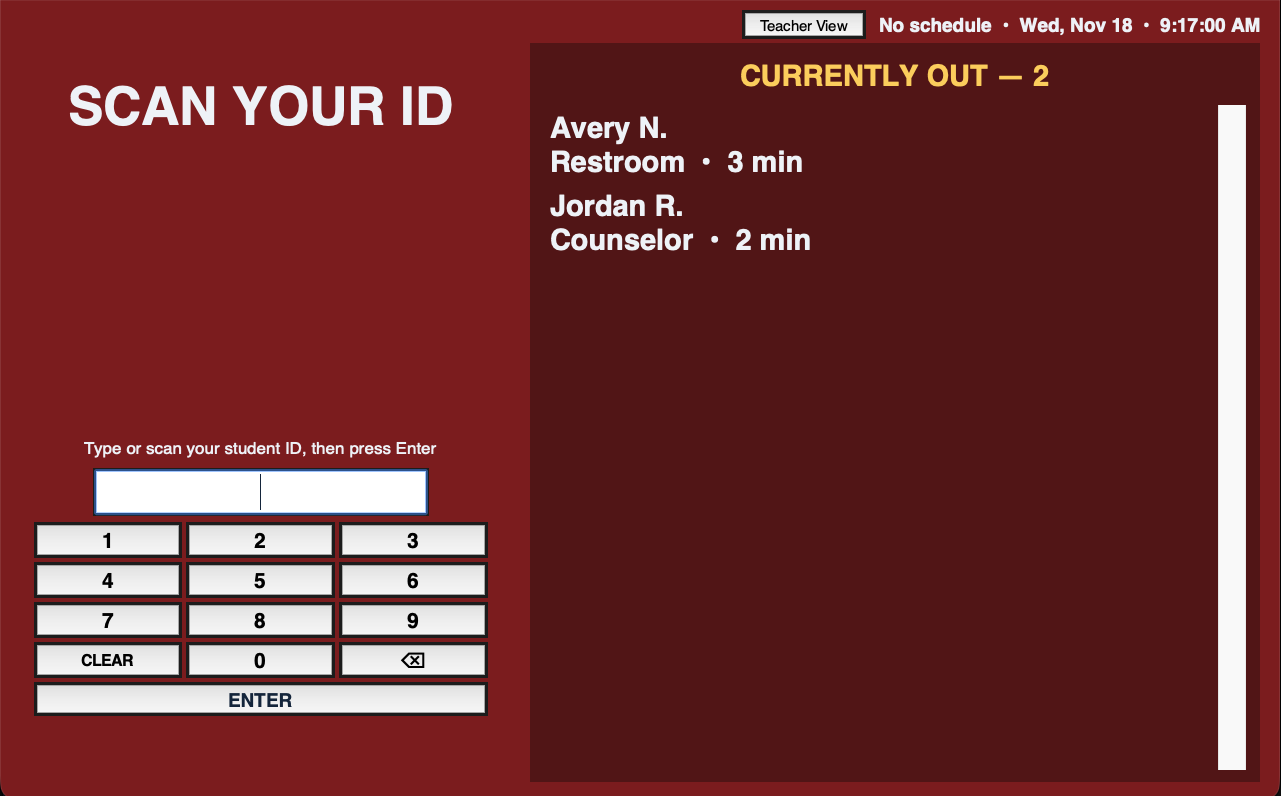
Actual screens from Hallio running with fictional student data. Select any screenshot to see it at full size.
A place by the classroom door
A Raspberry Pi with a touchscreen is the primary target. Add a keyboard-style barcode scanner, or use the on-screen keypad.
Import the roster, set class periods and attendance windows, and check the device clock.
Students scan. You review activity, correct records, and export what you need.
Explore the hardware, classroom setup, and everyday workflows.